Free 3D models,
textures and HDRIs
6,003 3D furniture models, 1,860 PBR materials and 966 HDRI maps for interior visualization. Ready GLB / FBX / OBJ. No subscriptions, no attribution.
Top downloads of the week
Our editors picked the models and materials that ship in interior scenes most often.
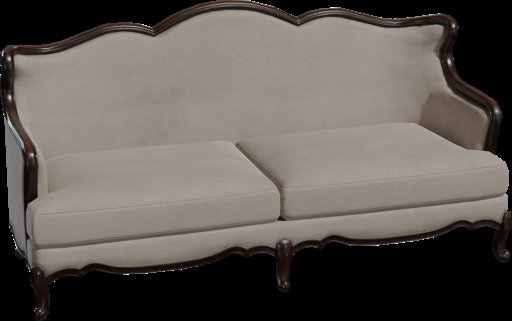
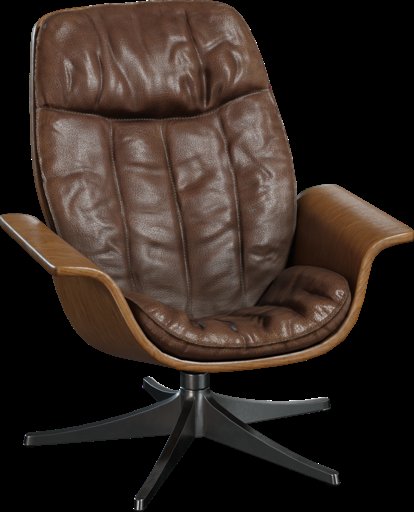
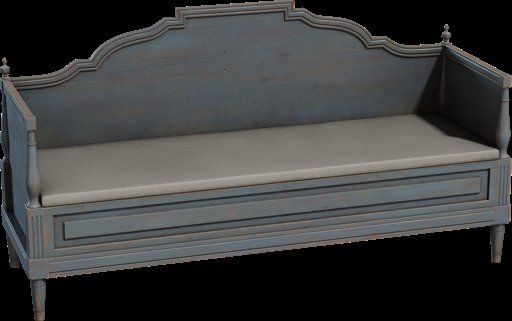
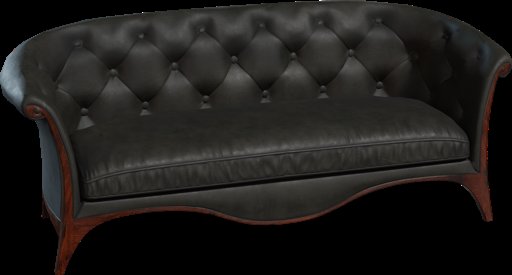


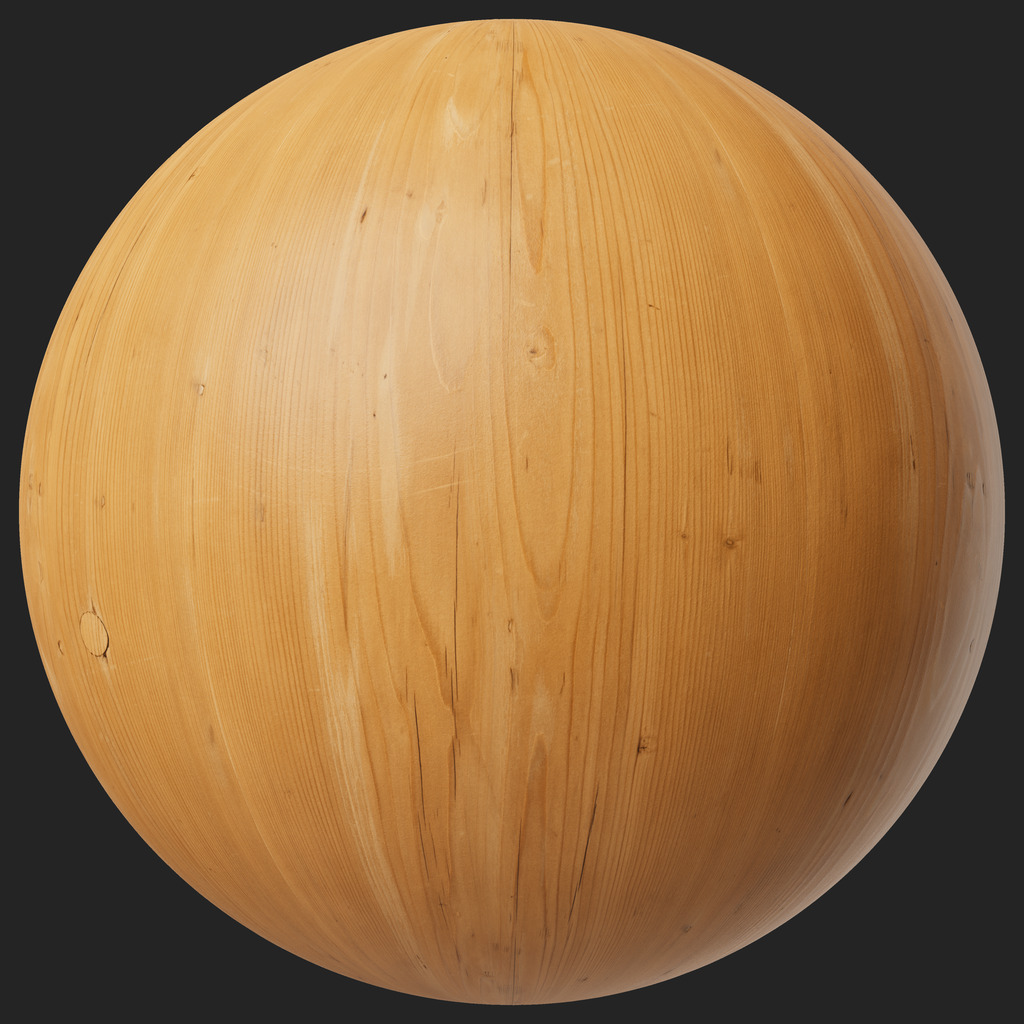
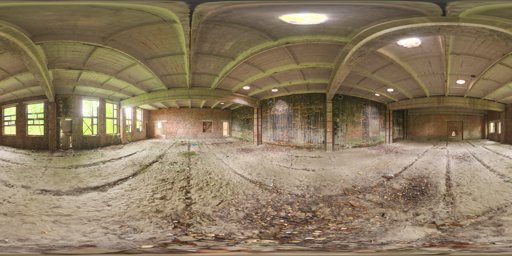
Browse by category
Thousands of assets grouped by furniture type and material. Filter by dimensions, format and tags.


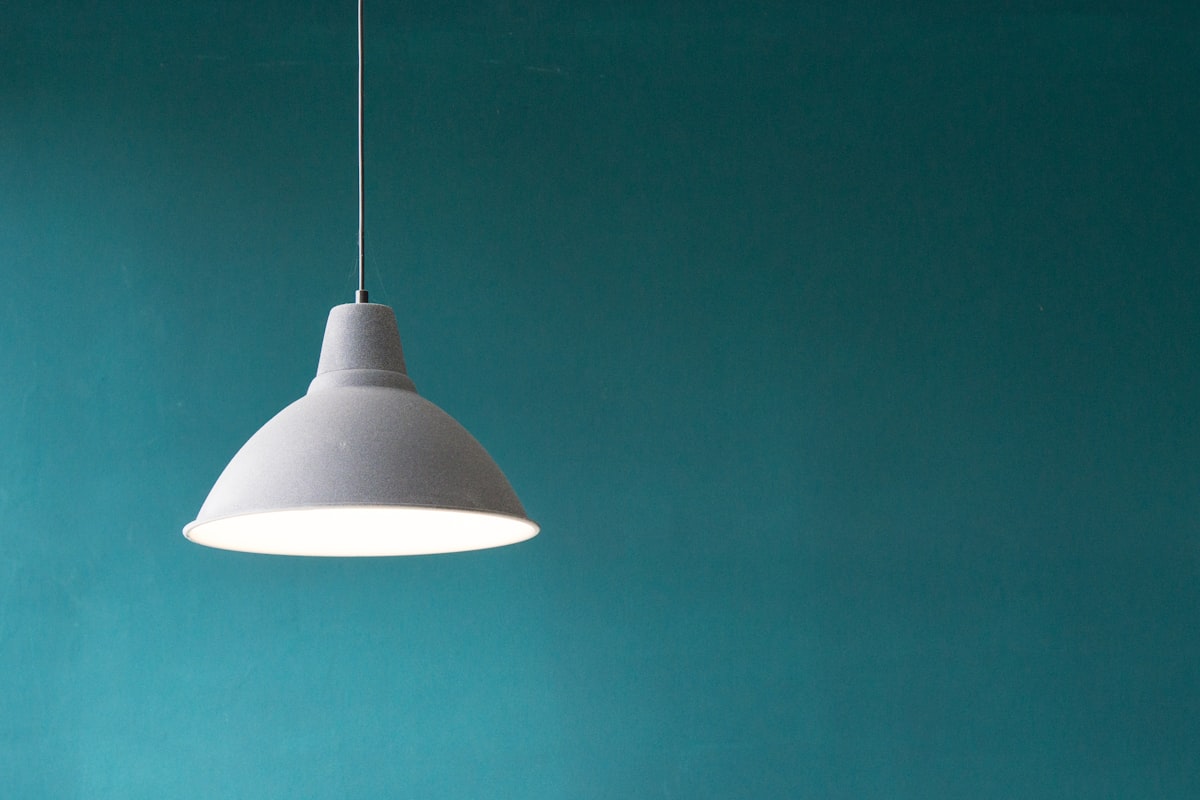

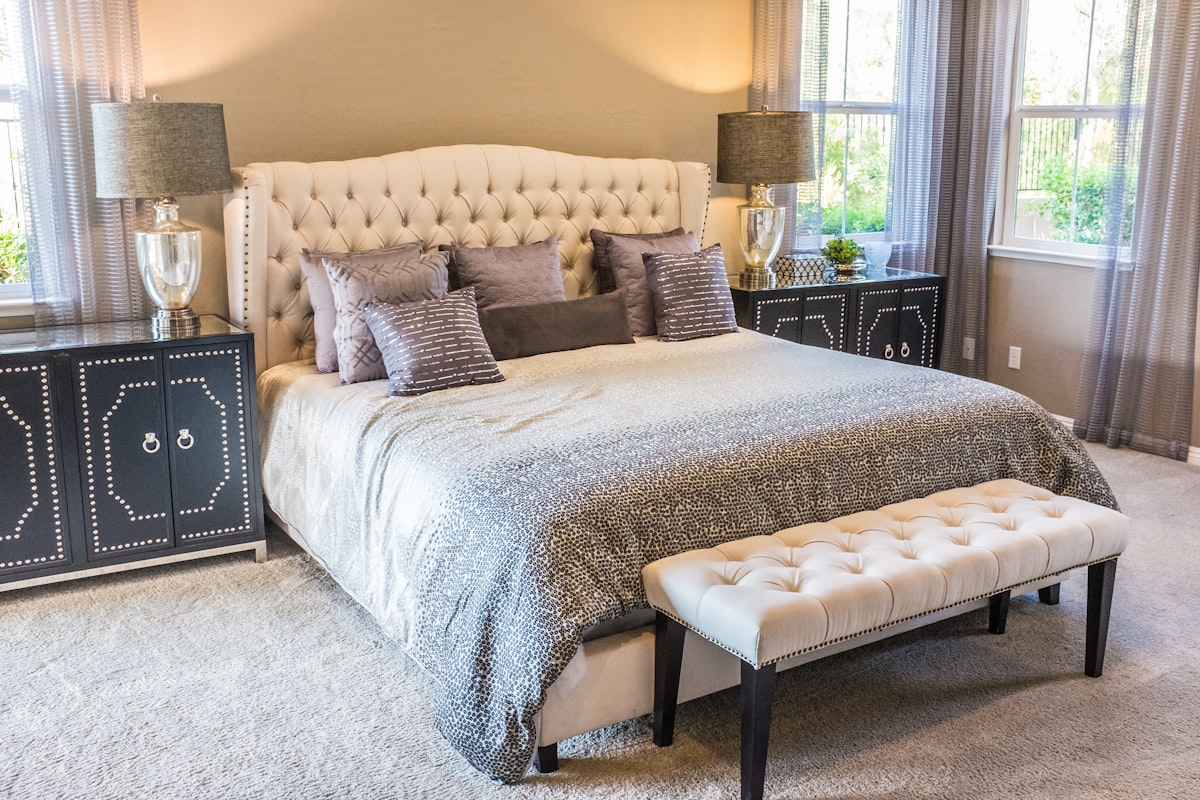

Not just a library — a pipeline to final render
Polyhaven and ambientCG hand you a file. We hand you a ready scene with matched materials and lighting.
Ready GLB / FBX / OBJ
All models are optimised for realtime engines and WebGL: clean topology, correct normals, ready UVs.
- 1k–50k polygons
- PBR materials
- Baked AO/Normal
Import into any pipeline
Works in Blender, 3ds Max, Cinema 4D, Unity, Unreal and browser editors. No conversion.
- 3ds Max / V-Ray-ready
- Unity / Unreal
- Three.js / Babylon
CC0 — free forever
Use in commercial projects without attribution. No subscriptions, no usage caps.
- Commercial use
- No attribution
- No watermarks
One click into the catalog
Any asset goes into Vision-AI without manual uploads — hit «Add to Vision-AI catalog» and use the model in the editor right away.
- Import by link
- AI post-processing
- Auto-materials
Import straight into your editor
Free plugins search the catalog inside Blender, 3ds Max and SketchUp and drop a model into your scene in one click.
What people search for
Each asset is tagged by material, style and scenario. Click to see the picks.
From the blog
Free PBR Materials for Archviz: Maps, CC0 Sources & Setup in Blender, Corona, V-Ray
Which PBR maps you need (Albedo, Normal, Roughness, Displacement), where to get CC0 textures with no signup, and how to wire them up in Blender, Corona and V-Ray.
Read →HDRIs for Interior and Architectural Visualization Lighting
How to light interior and archviz scenes with free HDRIs — what an HDRI is, which resolution to pick, and how to set it up in Blender, Corona and V-Ray.
Read →How to Import a 3D Model into Unreal Engine 5 for Free
Step by step: add a 3D model to Unreal Engine 5 for free — glTF/GLB via Interchange and FBX import, PBR materials, scale and Nanite.
Read →How we look next to Polyhaven and ambientCG
Same CC0 principles, but tilted toward ready interior scenes and AI-render integration.
Frequently asked questions
Are the 3D models really free?
Yes. The catalog has thousands of models, materials and HDRIs under CC0 and CC-BY licenses — free to download and use, including commercially.
Do I need to sign up to download?
No. Every asset is free to download with no signup — directly, or in one click via the MorfVision plugin for Blender, 3ds Max and SketchUp.
Which file formats are available?
Models come as GLB/glTF, FBX and OBJ; PBR materials as Diffuse/Normal/Roughness/AO maps; HDRIs as .hdr and .exr. GLB and FBX open directly in Blender, 3ds Max, Unreal and Unity.
How do I import a model into Blender, 3ds Max or SketchUp?
Install the free MorfVision plugin — it searches the catalog right inside your editor and drops a model into the scene in one click. Or download the file and import it manually.
Can I use the assets in commercial projects?
Yes. CC0 assets can be used for anything with no attribution required. CC-BY assets just need an author credit. Suitable for archviz, games, ads and client work.
What is Vision-AI and how does it relate to MorfVision?
MorfVision is the free asset library for the Vision-AI interior editor. Any asset can be opened straight in the editor to build a scene.
Open the library.
Build a scene in 5 minutes with Vision-AI.
Every MorfVision asset opens straight in Vision-AI Editor — add furniture, materials and HDRIs in one click and get a photoreal AI render.